Arrange
From a loop to a finished structure.
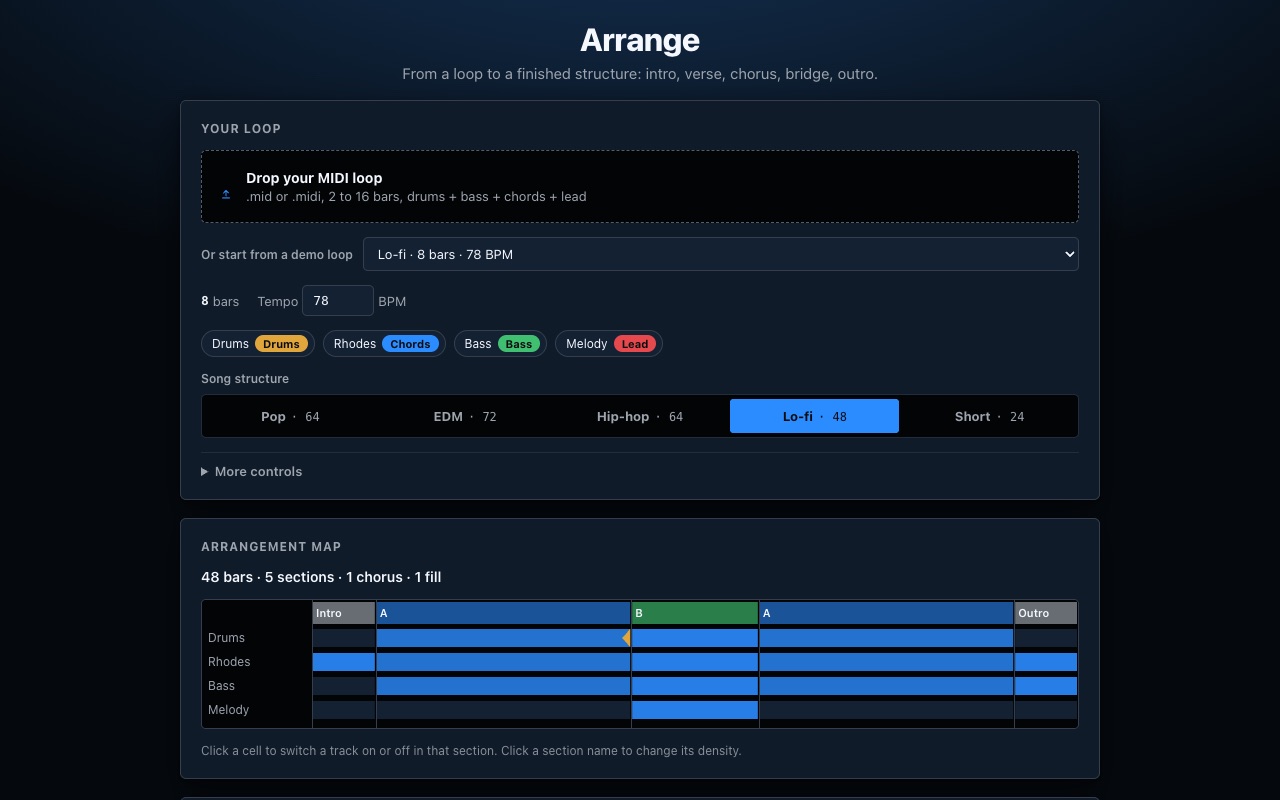
Drop in a multitrack MIDI loop, or start from a demo loop, pick a song template, and Arrange lays it out as intro, verse, chorus, bridge and outro. Tweak the arrangement map, audition from any section, then open the song in the studio to edit. Everything runs in your browser.
How it works
From a loop to a song map to editable MIDI.
Good to know
- The result is MIDI tracks for each part of your loop plus a chord lane; sweeps and fades are written as controller data.
- Sections reuse your loop's material: nothing new is composed, so the song keeps your sound.
- A loop with separate drum, bass, chord and lead tracks gives the fullest arrangement.