Chords to MIDI
Turn audio into a chord progression.
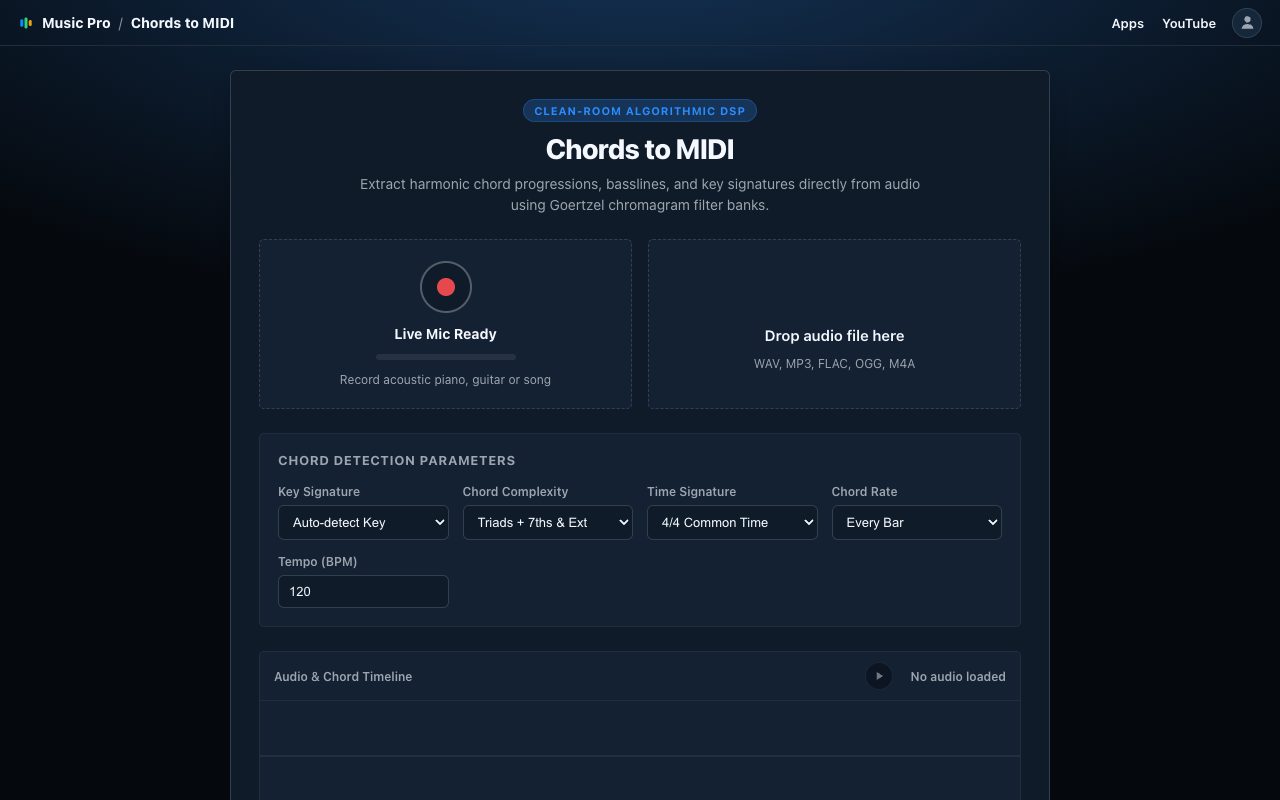
Record from your microphone or drop in an audio file, and Chords to MIDI finds the key and the chords and writes them as MIDI, with a bass line to match. The analysis runs in your browser: your recordings and files are not uploaded.
How it works
From your input to editable MIDI.
Good to know
- You get a chord track and a bass track, with the detected key and tempo.
- The tempo can be set by hand if the detected one is off.
- Audio up to 5 minutes is analysed.
- Clean recordings with one clear harmonic part give the best results.