Topline Harmonies
Stack harmonies under a lead melody.

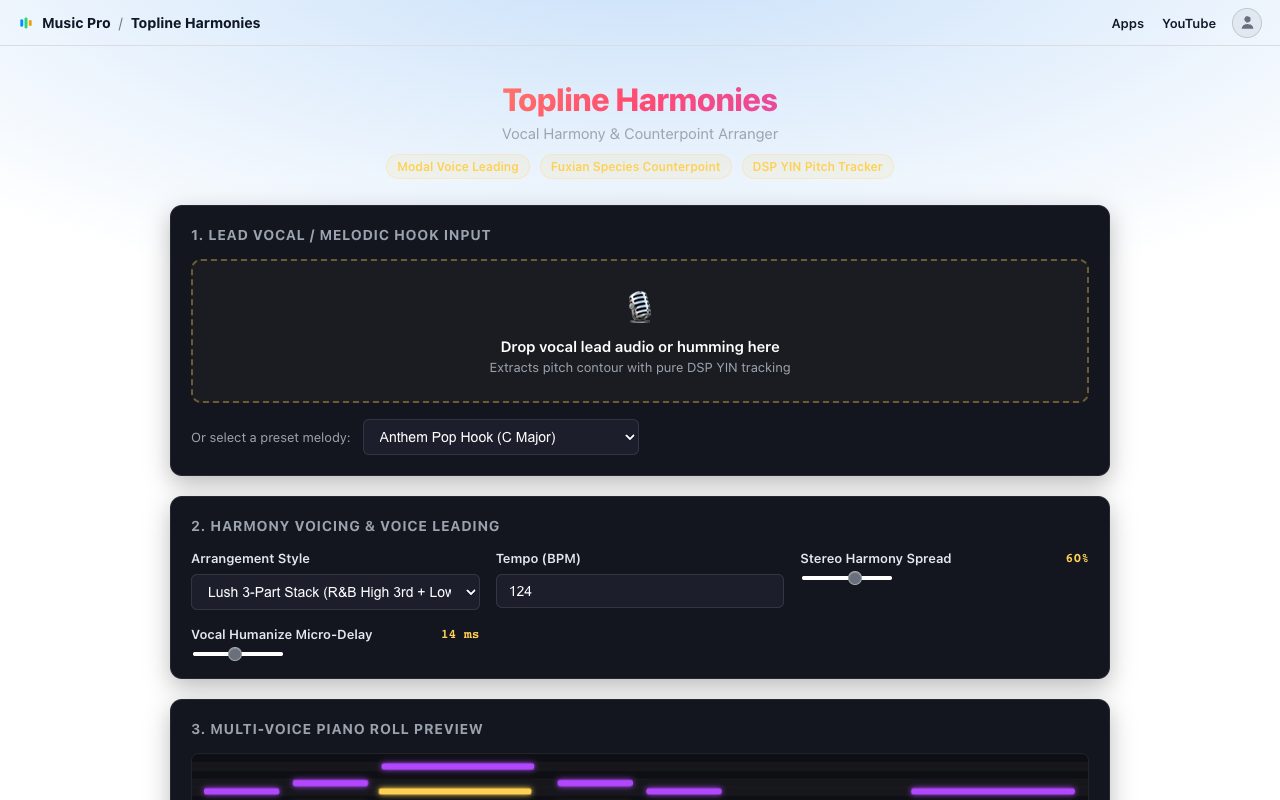
Drop in a vocal lead or a hummed line, or start from a preset melody, and Topline Harmonies writes harmony parts around it. Listen to the stack, then open it in the MIDIGEN studio to edit. The pitch tracking runs in your browser: your audio is not uploaded.
Not on sale yetNot open yetAll apps
Topline Harmonies showing a lead melody with coloured harmony parts above and below

How it works

From your input to editable MIDI.

Give it a melodyDrop in a vocal or humming recording (WAV, MP3, M4A or FLAC), or pick a preset melody. The pitch contour is tracked for you.
Choose an arrangementA tight 2-part (lead plus a diatonic third), a lush 3-part stack (high third plus low sixth) or contrary-motion counterpoint. Set the tempo, the stereo spread and a little vocal humanize.
Harmonize and open in the studioListen to the parts, see them in colour on the piano roll preview, then edit the notes and export the MIDI file.

Good to know

  • The result is MIDI notes for each part, not sung audio.
  • Harmonies follow the notes of the lead, so a clear single-voice melody works best.
  • It follows one melody line at a time. It does not split chords or full mixes.