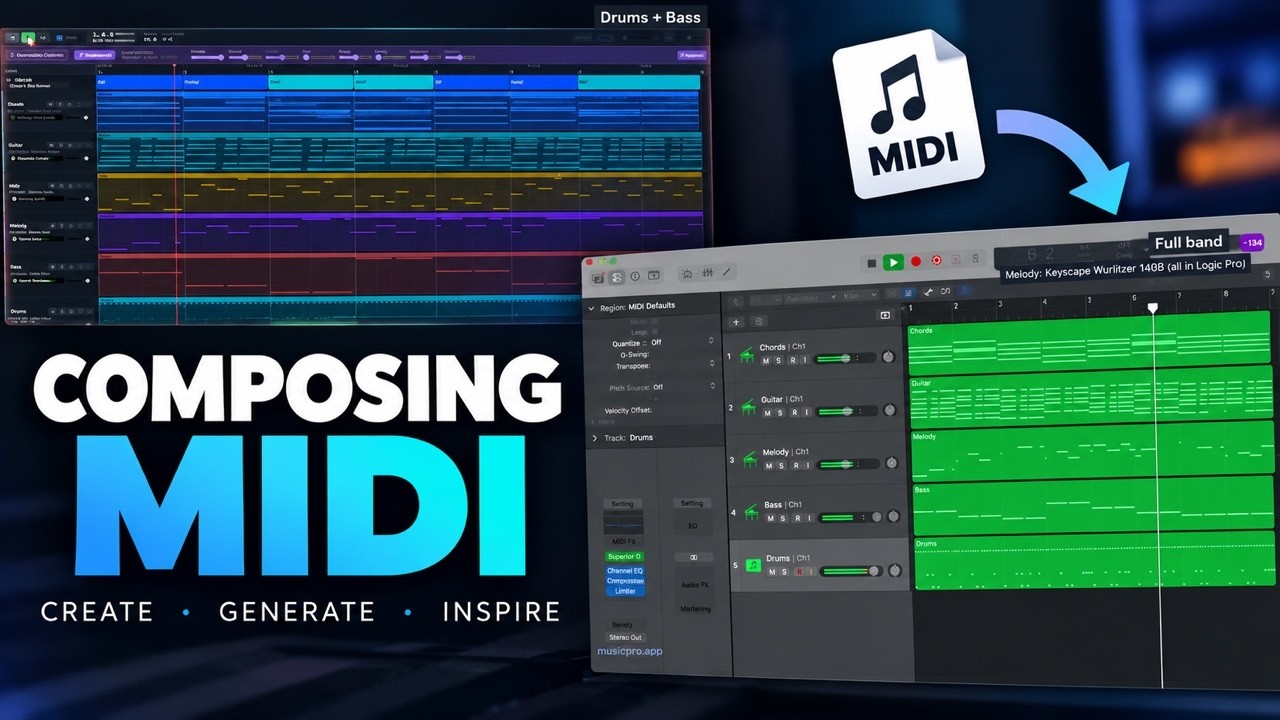
The problem
The hardest part of making music is often the first few minutes. You open a new project and nothing is there yet.
A blank project has no limits, so there's nothing to react to. You don't need a perfect idea. You need a starting point you can push against.
Here are three ways to get one. The first two work in any DAW. The third uses MIDI Composer 3.0, an app we make, which gives you something to react to. It doesn't replace your taste or your sound.
Fixes that work in any DAW
- Set limitsOne key, one tempo, four bars, three sounds and a 20-minute timer. Fewer choices make it easier to start.
- Borrow a structure, not the musicTake the chord changes of a song you like, for example i–VI–III–VII in a minor key, and write your own melody and drums over them.
- Start from one partMake only the drums, or only one chord loop. Don't add the next part until the first one feels good.
With MIDI Composer 3.0, step by step
- Open MIDI Composer 3.0Open MIDI Composer 3.0 from the Apps page at musicpro.app. It runs in your browser, so there is nothing to install.
- Style and keyPick a Style, such as Lo-Fi Chill, Neo-Soul or Afrobeats. Set the Key and Scale to match your project. Choose the number of Bars (4 to 64) and type in the Tempo.
- Pick the chordsChoose a Progression, or leave it on Auto. The Chords slider goes from Basic to Exotic. Chord changes goes from Every bar to Held. Click New chords until you like the chords you see.
- Tick your tracksChords, Guitar, Arp, Melody, Bass and Drums. Untick any part you don't want.
- Shape the feelEight sliders: Density, Repeat, Length, Feel, Range, Swing, Dynamics and Register. Went too far? Click Reset shape.
- Generate and listenPress Generate. The loop opens in the piano roll, every part on its own track. Change any sound, mute a part, or edit the notes. Don't like it? Go back and press Generate again for a new loop.
- Export and use your own soundsClick Export MIDI and open the file in your DAW. Every part lands on its own track. Put your own instruments on them: the notes stay the same, the sound is up to you.
Tip: Generate more than once, and change one thing at a time. The second or third loop is often the one that surprises you. Treat the MIDI as a sketch: move notes, delete them and add your own.
Common questions
Do I need to install anything?
No. MIDI Composer 3.0 runs in your browser.
Do I need my own audio to start?
No. You start from a style and a key, not from a recording.
Can I edit the notes?
Yes. Edit them in the piano roll, or in your DAW after you export the MIDI.
Which DAW does it work with?
Any DAW that opens MIDI files, such as Logic Pro, Ableton Live, FL Studio or Reaper.
Can I add a new loop to a project I already have?
Yes. Drag the exported MIDI file into your project and import its tempo so it lines up. Then swap old parts for new ones.
Will it sound like a finished record?
No. The app's own sounds are simple. The real sound comes from the instruments you put on the MIDI.