The problem
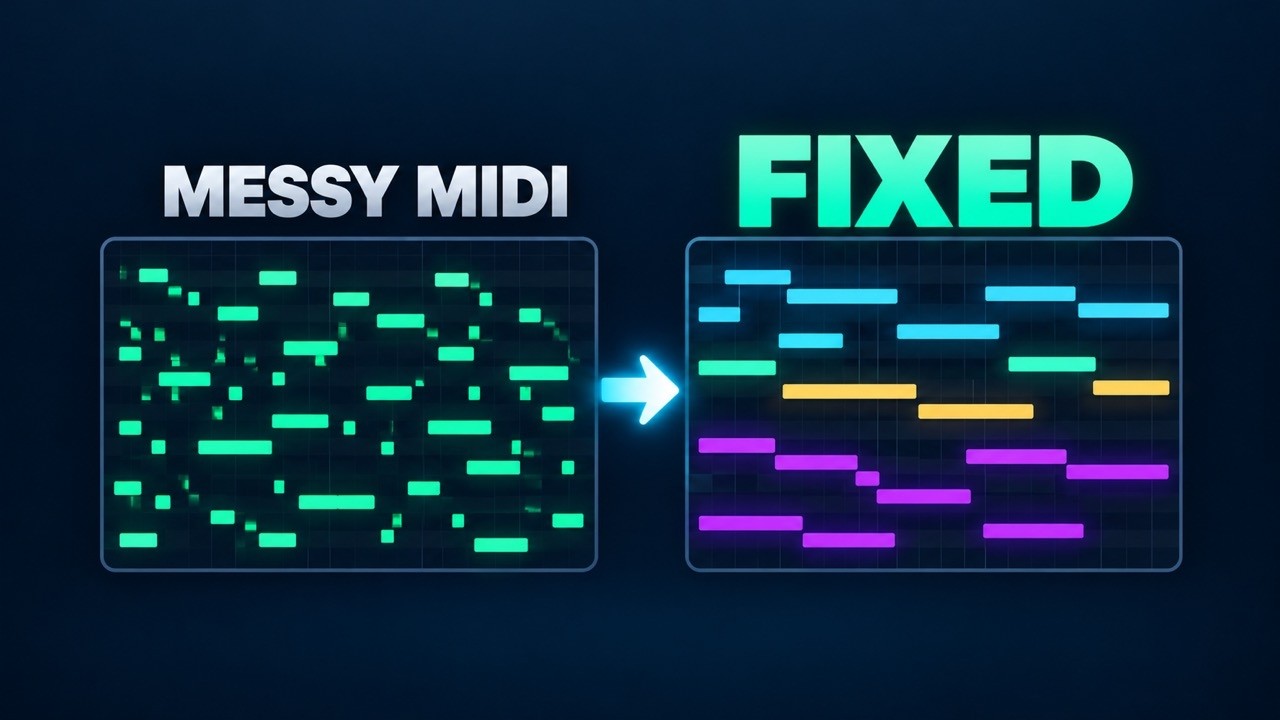
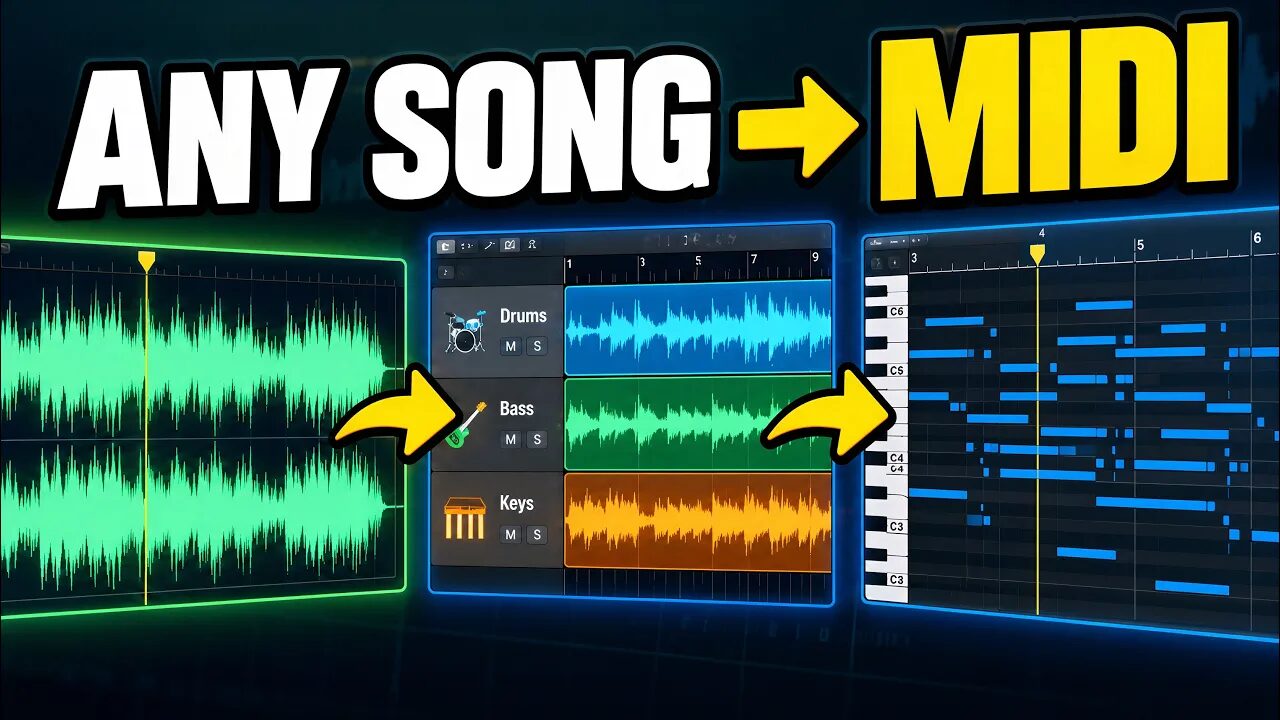
Audio-to-MIDI conversion can get you surprisingly close, but the MIDI often still doesn't sound right. Fixing hundreds of notes by hand takes hours.
The same four problems show up again and again: notes chopped into tiny pieces, notes that are far too short, notes that don't connect through the chord changes, and no sustain at all. Each one has a fix you can do in your DAW, and MIDI Enhancer, a Music Pro app we make, can do them all at once.
Fixes that work in any DAW
- Delete the blipsZoom in on the piano roll and select the very short, very quiet notes nobody played. Many DAWs can select notes by length or velocity, so you can grab them all at once. Delete them.
- Join chopped notesWhere one held note was split into pieces, select the pieces and use your DAW's join or glue command, or drag the first note's end over the gaps and delete the rest.
- Stretch notes to the next oneUse your DAW's legato command so each note lasts until the next note starts: Force Legato in Logic Pro, Legato in Ableton Live, Articulate in FL Studio. Apply it to chord parts, not to drums.
- Add the sustain pedalDraw sustain (CC64) in the controller lane: up just before each chord change, down right after it. Piano and keys sound connected again.
- Quantize gentlyQuantize at around 50 to 75% strength, so the timing tightens up but still feels played. Then loop the MIDI against the original audio and fix what still sounds wrong.
With MIDI Enhancer 3.0, step by step
- Open MIDI EnhancerEverything runs on your own machine. Your files are never uploaded.
- Drop in your MIDI filesThe MIDI you got from your audio-to-MIDI tool, up to 8 files at a time. No files yet? Load the Demo project or the Audio demo to try it.
- Give it the chordsPick a Reference MIDI with the chord changes, or choose the song's audio and MIDI Enhancer finds the chords for you. With neither, Add Sustain uses the project downbeats.
- Join Short NotesGlues fragmented notes of the same pitch back into one note, when the gap between them is smaller than the one you choose.
- Fix Min LengthStretches isolated short notes to a minimum length you choose.
- Add Legato and SustainAdd Legato extends the last chord tones toward the chord change. Add Sustain adds sustain pedal (CC64) at the chord changes, or at the project downbeats.
- Enhance, check and saveDrag the stages to change the order and turn each one on or off, then press Enhance. Open a result in the Studio to listen and check it, then save one file or all of them and take the tidy MIDI into your DAW.
Tip: This is not magic. If the converter missed something completely, like the bends and slides in a guitar solo, no clean-up can bring it back. The goal is a better starting point with much less manual work.
Common questions
What does it fix?
Chopped notes, notes that are too short, notes that don't reach the chord change, and missing sustain. Each fix is a stage you can switch on or off.
Do I need a reference MIDI?
No. You can choose the song's audio instead and MIDI Enhancer finds the chords. Without either, Add Sustain uses the project downbeats.
Are my files uploaded?
No. Everything runs on your own machine.
Can it fix any conversion?
It can't recover notes the converter missed. For most standard conversions it saves a lot of manual editing.