The problem
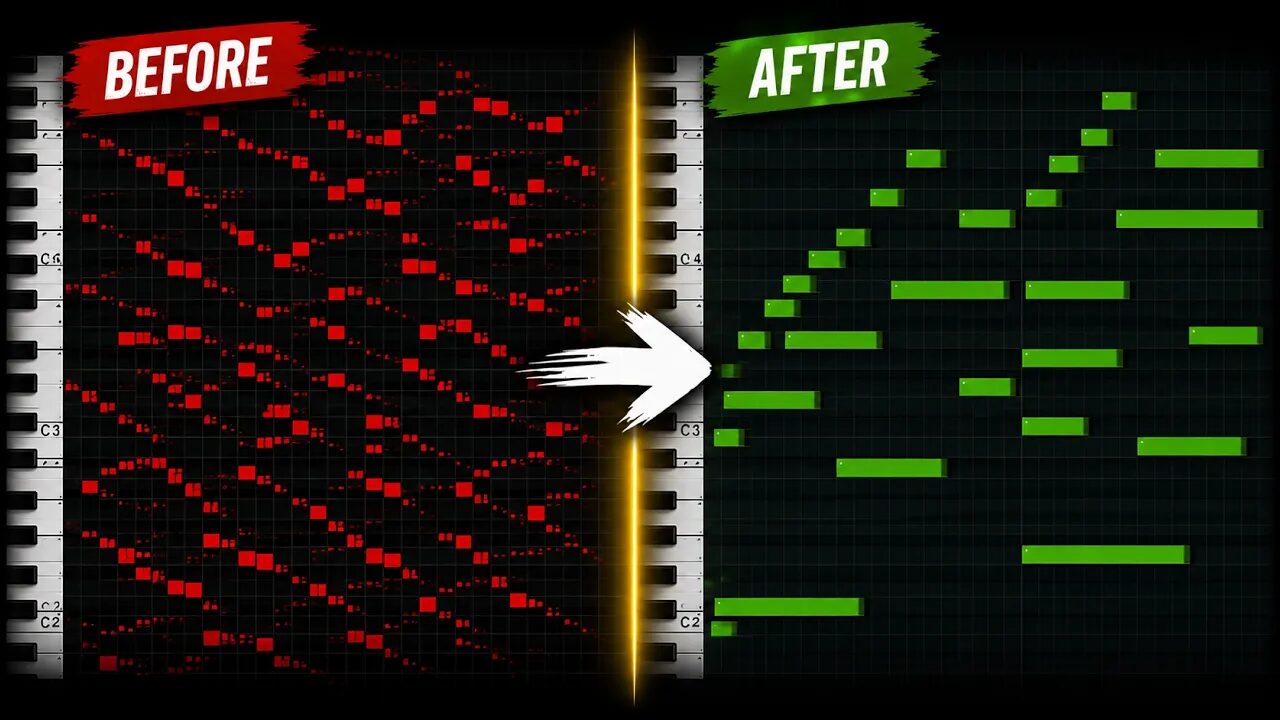
Audio-to-MIDI gets you close, but the notes come out wrong. One long chord note turns into three or four short pieces. Little blips show up that nobody played.
There is no sustain pedal, and nothing tells you which chord is playing. Fixing all of that by hand can take an hour. This tutorial shows MIDI Enhancer 3.0, a Music Pro app we make, doing it in one pass. To fix it by hand in your DAW instead, see the clean-up guide linked at the bottom.
Step by step
- Open MIDI EnhancerFind MIDI Enhancer 3.0 on the Apps page and open it. Everything runs on your own computer.
- Drop in your MIDI filesDrag in the parts you got from audio-to-MIDI, up to 8 files at a time. For example piano, guitar, flute and bass.
- Give it the chordsHave a Reference MIDI with the chords? Pick it. No reference? Click Choose audio for chords and pick the song the MIDI came from. The chords are found on your computer. Nothing is uploaded.
- Set the four stagesJoin Short Notes glues the pieces of one note back together. Fix Min Length stretches short blips. Add Sustain puts in the sustain pedal at each chord change. Add Legato stretches the last notes of a chord up to the next one. Turn each one on or off and drag them into the order you want.
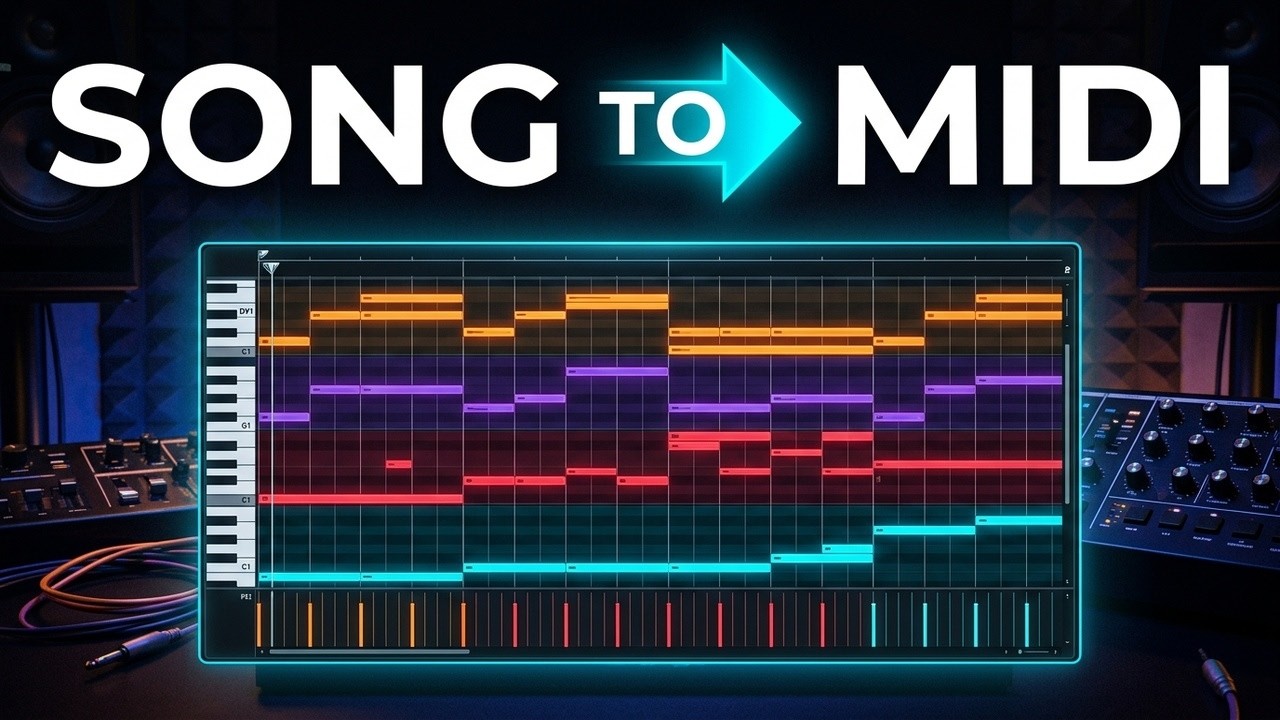
- Press EnhanceThen click Open all in Studio. All your parts play as one song, with a Chords track on top.
- Hear it with your own soundsUse the Sounds switch: Default uses the built-in sounds, Custom lets you pick your own. In the Music Pro Access desktop app you can use your own plug-ins: Audio Units on the Mac, VST3 on Windows.
- Shape it and saveThe gear for all tracks changes Density for every track at once. A track's own gear changes only that track. Each change starts from the enhanced notes, so you can always go back. Click Save All to get one MIDI file with every track, the Chords track included.
Tip: No files of your own yet? Load the Demo project (piano, guitar, bass and flute with a reference file) or the Audio demo, which finds the chords straight from a song.
Common questions
Do I need a reference MIDI file?
No. You can choose the song's audio instead and MIDI Enhancer finds the chords. With neither, Add Sustain uses the project downbeats.
Is my song uploaded?
No. The chords are found on your own computer, and your MIDI files stay there too.
Can I use my own plug-ins?
Yes, in the Music Pro Access desktop app: Audio Units on the Mac and VST3 on Windows.
How do I get it into my DAW?
Click Save All. You get one MIDI file with every track inside. Drag it into your DAW and all the tracks come in at once.