The problem
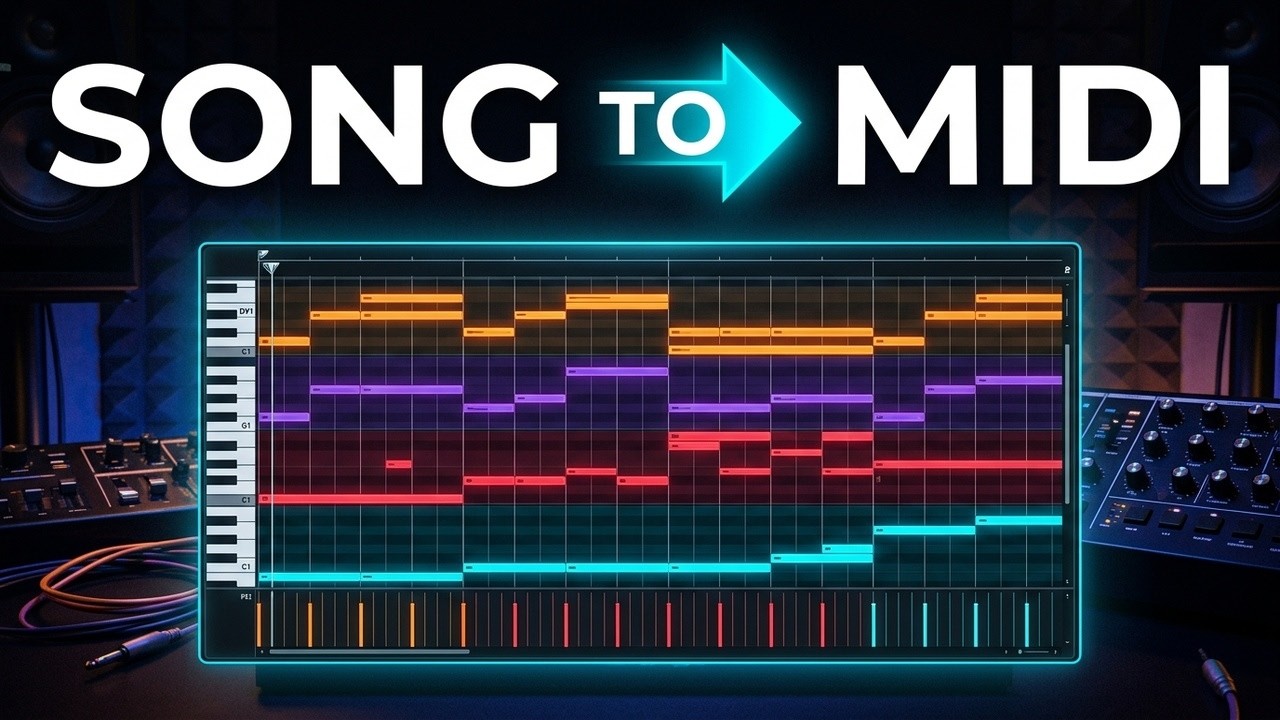
Drop a full song into a MIDI tool and the result is a mess. In a full mix every instrument plays on top of the others: the bass hides under the kick and the chords are spread over several instruments.
Audio-to-MIDI tools work much better with one instrument at a time. So it comes down to two steps: get the stems, then turn each stem into MIDI.
Step by step
- Set up three things firstPick eight bars, usually the chorus or the main loop. Set your project to the song's tempo. Find the key: hum the note where the chorus rests, or let your DAW detect it. Skip this and your MIDI will drift out of time.
- Split the song into stemsUse the stem splitter in your DAW. In Logic Pro: Control-click the region, choose Stem Splitter and separate all stems. No splitter in your DAW? Moises, Demucs, Ultimate Vocal Remover or LALAL.AI. Original stems, when an artist or remix contest shares them, are always the cleanest.
- Line the stems upExport the stems and drag them into your DAW, lined up at bar one. Skip stems that are almost silent.
- Turn each stem into MIDIBy ear is a great skill but slow: start with the lowest part, it shows where the chords change. Faster: an audio-to-MIDI plugin such as Prism, or NeuralNote, Basic Pitch, Melodyne or Samplab. Keys often end up across two stems (guitar and piano): convert both.
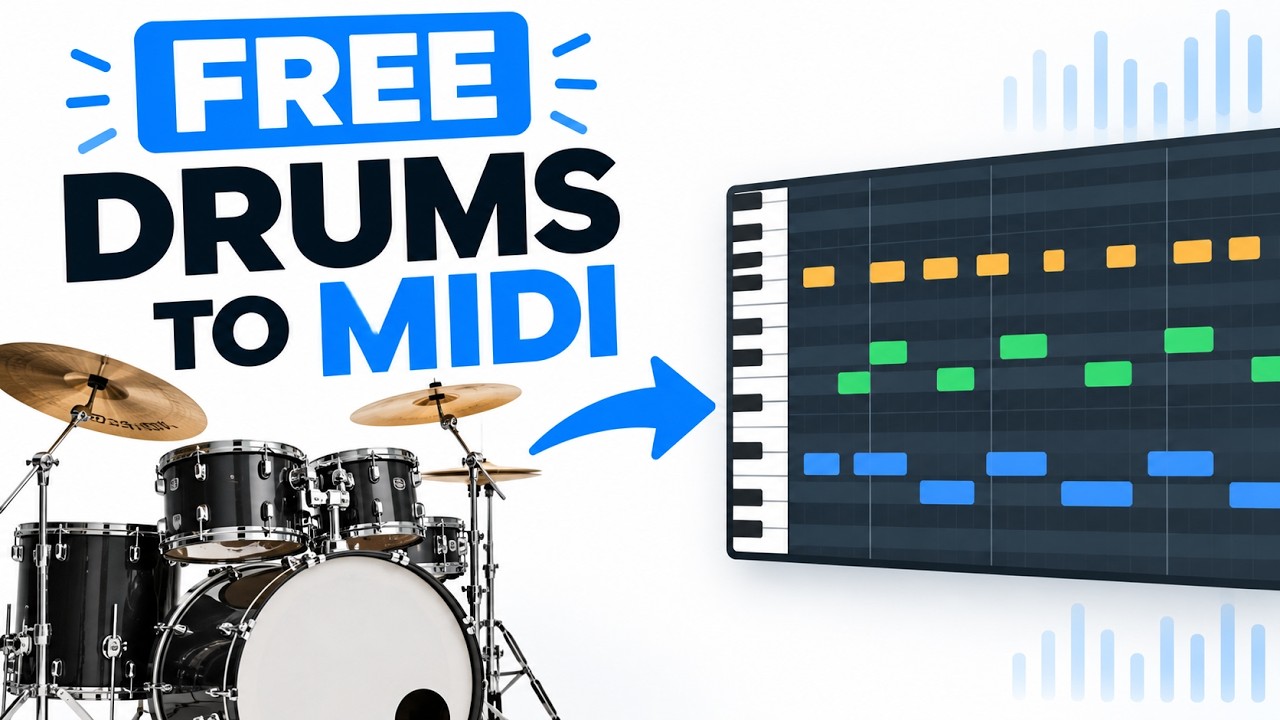
- Drums: use drums2midiPitch tools are made for notes. For drums, drums2midi runs in your browser with a Music Pro sign-in and gives you kick, snare and hi-hats as MIDI. Check the tempo it detects yourself: these tools are guessing.
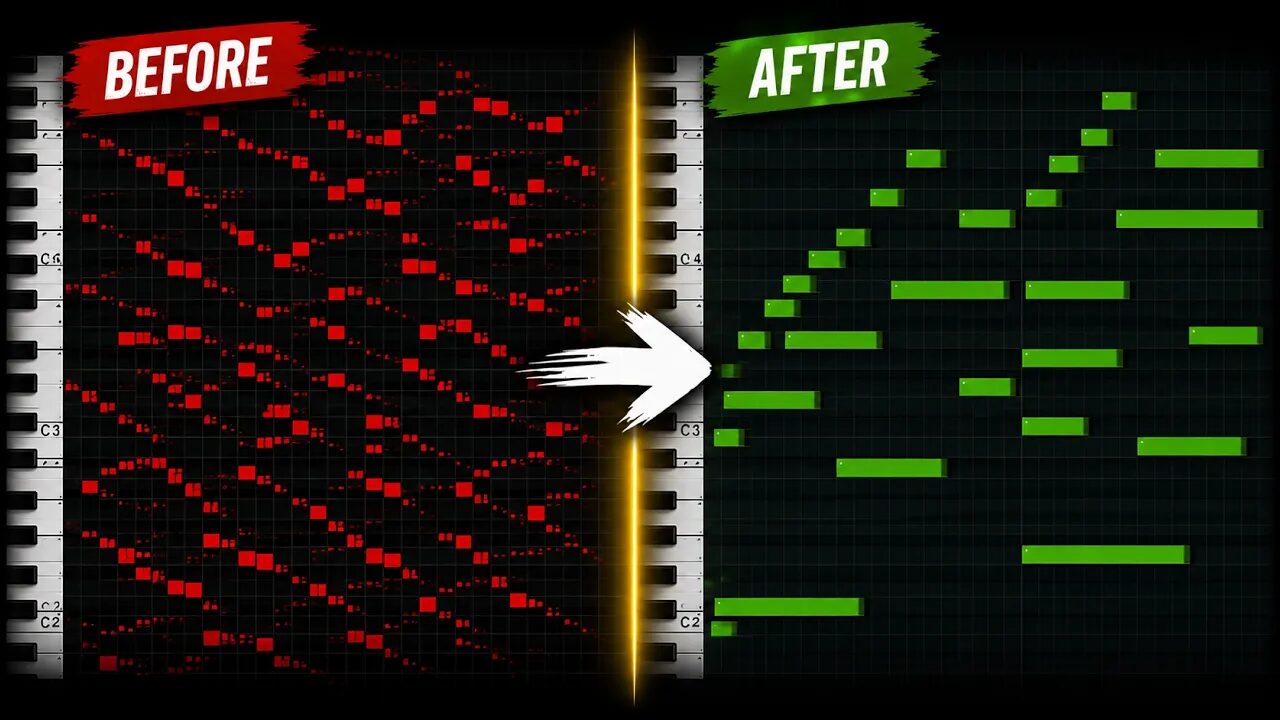
- Clean up the MIDIQuantize gently, around 50 to 75%, so it keeps the feel. Delete the very small notes. Check the low notes: some are one octave off. Loop the MIDI together with the stem: if they sound the same, it's done.
- Play it on your own soundsMute the stems and put your own instruments on the MIDI.
Tip: Want a shortcut? MIDIGEN takes a full song and gives you the chords and MIDI ideas for each part, or turns your stems into MIDI. Check the result and do the same cleanup as with any other tool.
Common questions
Why split into stems first?
Audio-to-MIDI tools work much better with one instrument at a time. In a full mix the instruments cover each other.
Do I need a paid stem splitter?
No. Demucs and Ultimate Vocal Remover are free desktop apps, and many DAWs have a stem splitter built in.
How do I get the drums as MIDI?
Use a drum tool such as drums2midi. Pitch-based audio-to-MIDI tools are made for instruments with notes.
Can I release the MIDI I get?
Use it to learn the songs you love, but please don't release someone else's parts as your own.