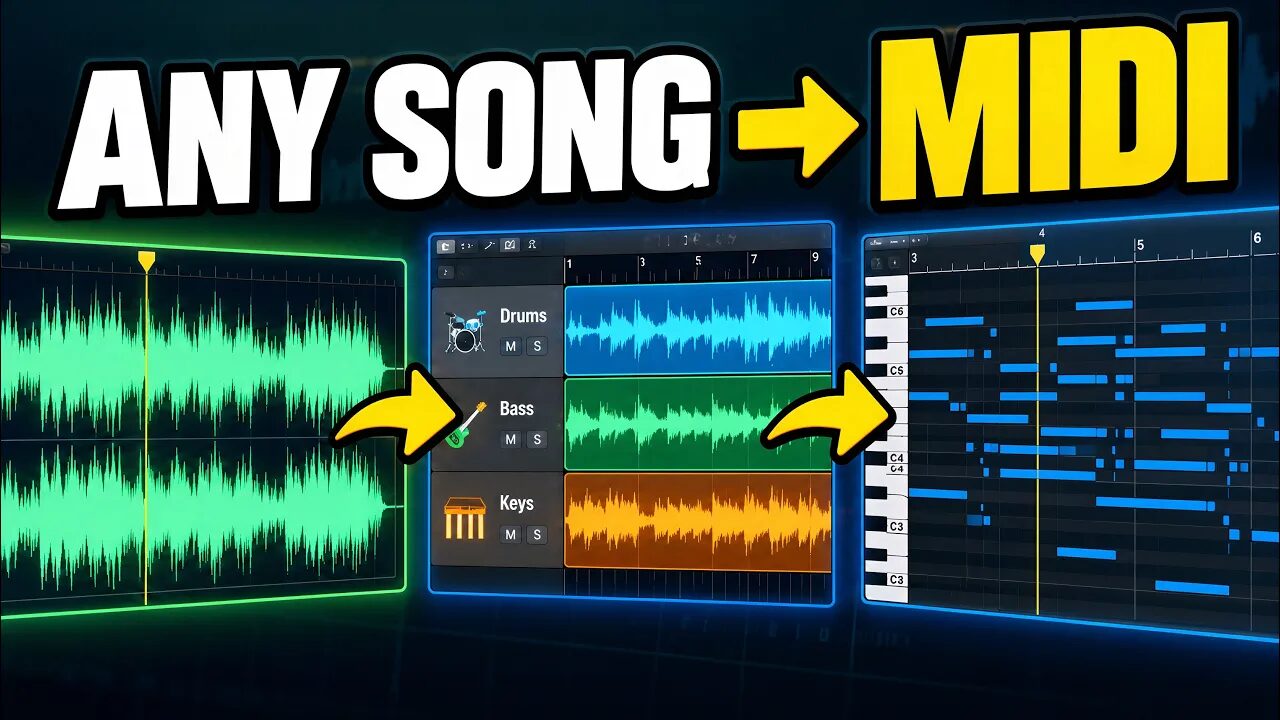
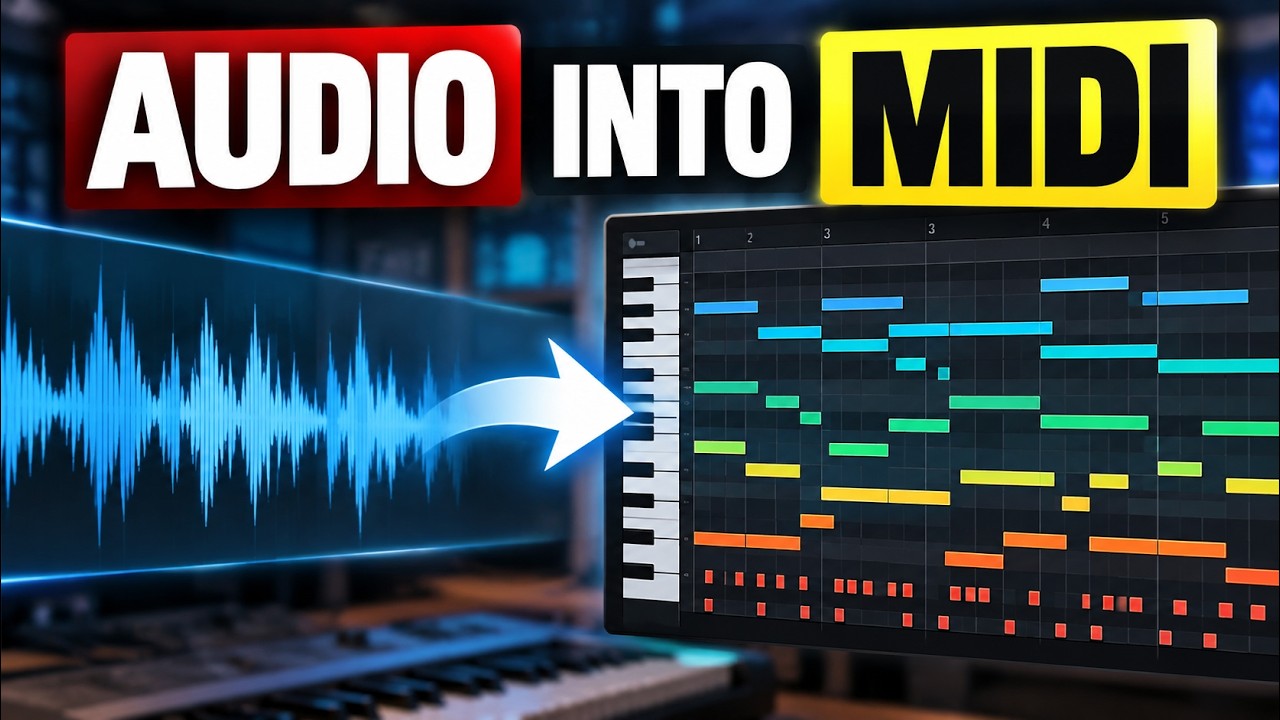
The problem
Working out a song's key and chords by ear takes time. Writing a bass line and drums to go with them takes even longer.
This tutorial covers MIDIGEN, a Music Pro app we make. It generates MIDI ideas from the audio analysis; the result is a starting point to edit, not a guaranteed note-for-note transcription.
Fixes that work in any DAW
- Find the chords manually firstLoop a short section in your DAW and match the bass notes on a keyboard or piano roll. Try chord tones against the recording. This gives you a reference for checking any generated result.
With MIDIGEN, step by step
- Bring in a songDrag a file onto the page or click Choose Audio Files. WAV, MP3, FLAC and most other formats work, up to 10 minutes long.
- Set ComplexityHow rich the chords are. Triads are simple and clean, Sevenths add color, Extended gets jazzier.
- Set SensitivityHow much detail it listens for. Too busy? Pick Steady. Missing things? Pick Detailed. Balanced is a good place to start.
- Choose your partsChords and Bass are ticked to begin with. Add Drums, Piano, Acoustic Guitar, Electric Guitar, Melody / Lead or Other Instruments if you like. Then click Generate MIDI.
- Listen and checkIn the studio you see your song's waveform, the key and chords it found, and the MIDI. Press play. Does the key sound right? Do the chords match? If not, click Change Tracks and try other settings.
- Export the MIDIClick Export MIDI and drag the file into your DAW. Use the chords as the base of a new track, learn a song by ear, or build on the bass and drums.
Tip: Have stems? Drop several files at once and MIDIGEN turns each stem into MIDI. Each part is heard on its own, so the result is cleaner.
Common questions
Which audio files work?
WAV, MP3, FLAC and most other formats, up to 10 minutes long.
Is the MIDI a perfect transcription?
No. From a full song, MIDIGEN gives you MIDI ideas built on the chords and rhythm it heard. Check it and change what you like.
Can I run it again with other settings?
Yes. Click Change Tracks in the studio to go back, change the settings and generate again.